Every year, engineers spend a collective fortune upgrading from mid-tier monitors to flagship ones, expecting a clean jump in accuracy. Often they get the same problems in higher resolution — every flaw in the room now rendered with more detail instead of less. If you're about to make that purchase, run through the following five checkpoints first. Every one of them is free or nearly free to test, and any one of them left unaddressed can quietly absorb the entire benefit of the upgrade.
1. Room dimensions and modes
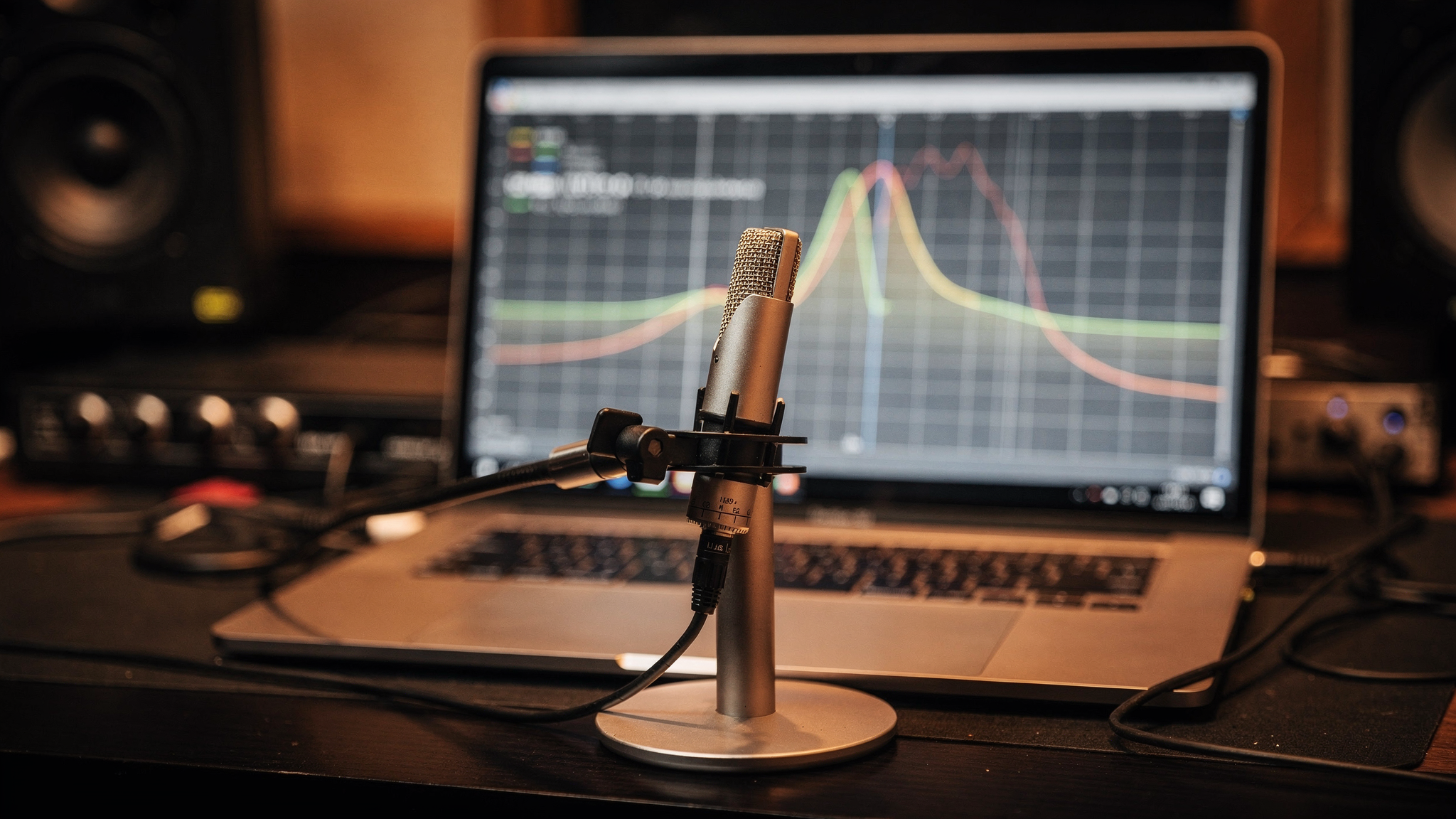
Before anything else: what does your room actually do to low frequencies? Every room reinforces some bass wavelengths and cancels others based on its dimensions alone — a phenomenon called room modes. A brand-new monitor with a flawless low-frequency driver will still report a bass note as louder or quieter than it truly is if your mix position happens to sit in a modal peak or null. This isn't a monitor problem, and no monitor, at any price, corrects it. A calibrated measurement mic and free software like Room EQ Wizard (REW) will show you exactly where your room's peaks and nulls sit in about twenty minutes — money spent before this test is money spent blind.
2. Untreated first-reflection points
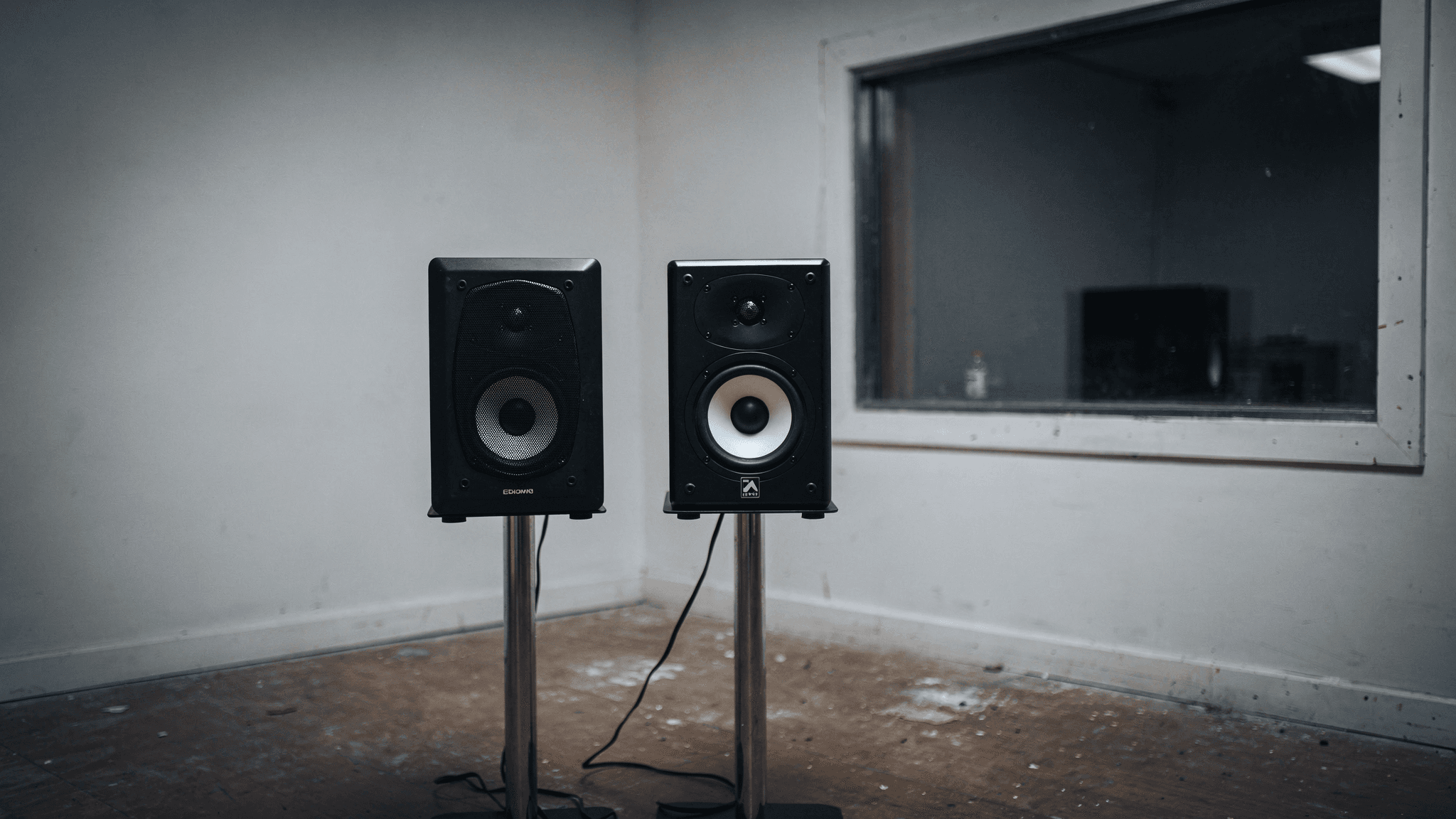
Clap once at your mix position and listen for a fast, metallic slap — that's flutter echo bouncing between the wall behind your monitors and the wall behind your head, or between the two side walls. Those early reflections (arriving within about 20 milliseconds of the direct sound) smear stereo imaging and blur transient detail regardless of how resolving the new monitor is. If the side walls, ceiling, and rear wall at your first-reflection points are bare drywall or glass, a more expensive monitor will simply reveal a smeared image with greater clarity — it won't remove the smear.
A more revealing monitor in an untreated room doesn't show you more truth. It shows you the same lie in higher definition.
3. Symmetry at the mix position
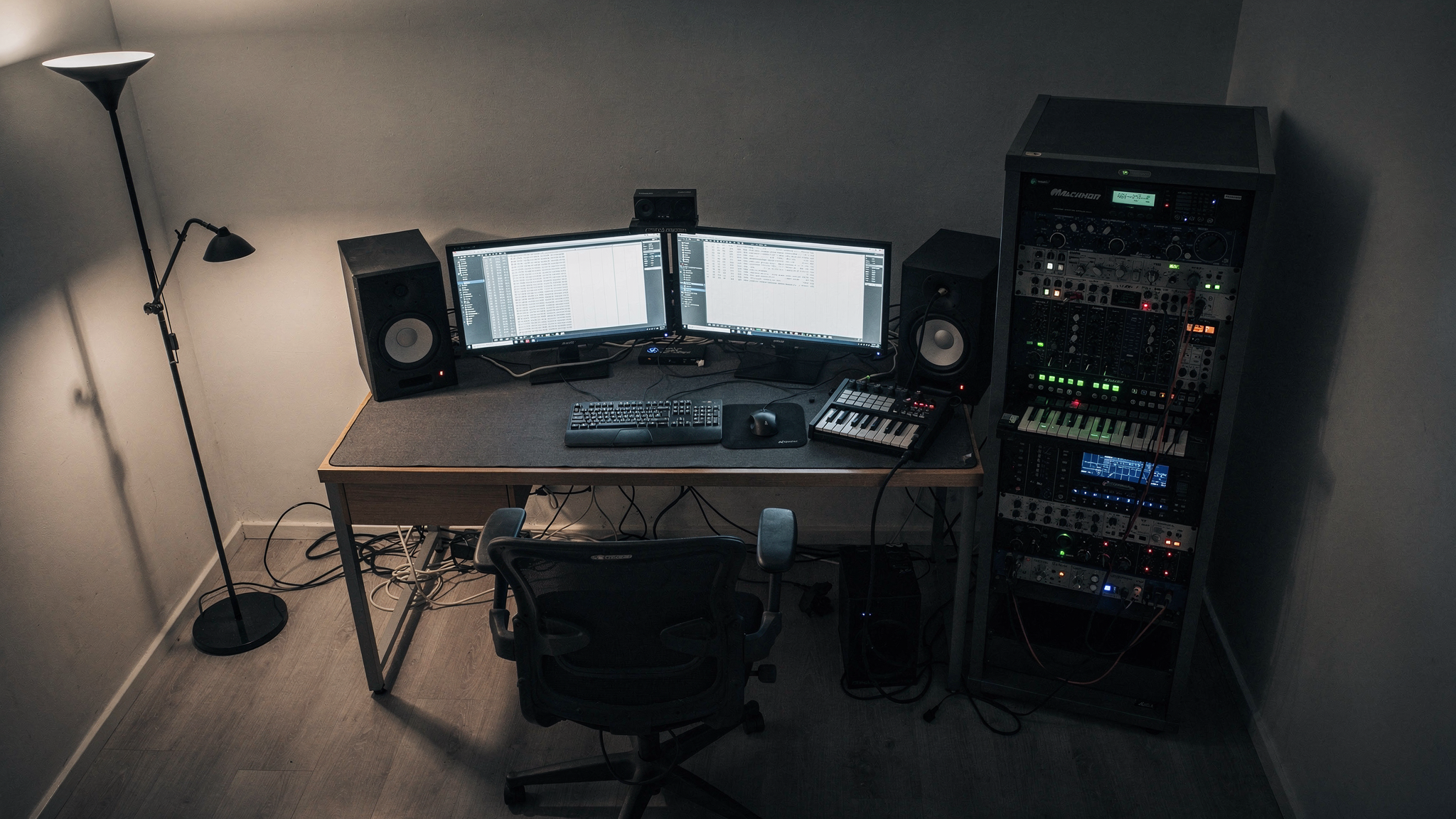
This one gets skipped constantly because it costs nothing to fix and nothing to notice. If your listening position is closer to one side wall than the other — a desk pushed against one wall, a couch or rack of gear only on one side — the reflection pattern hitting your left ear differs from what hits your right. That asymmetry skews your perception of the stereo field itself, meaning pans, width, and center-image decisions are all being made against a room that's already tilted the picture. No monitor fixes an asymmetrical room; it just reproduces the tilt more faithfully.
4. Rear-wall treatment and room "aliveness"
A room with zero treatment on the rear wall behind the listening position bounces sound directly back into the mix position, arriving late enough to register as a distinct echo rather than blending with the direct sound. This is one of the most common causes of a mix sounding "hyped" or over-bright in the room and disappointingly dull everywhere else — you've been compensating for artificial energy the room itself was adding. Whether the fix is broadband absorption or a diffuser depends on the room's size, but an untreated rear wall behind you is one of the most common and most overlooked contributors to mixes that don't translate.
5. Monitor placement, distance, and isolation
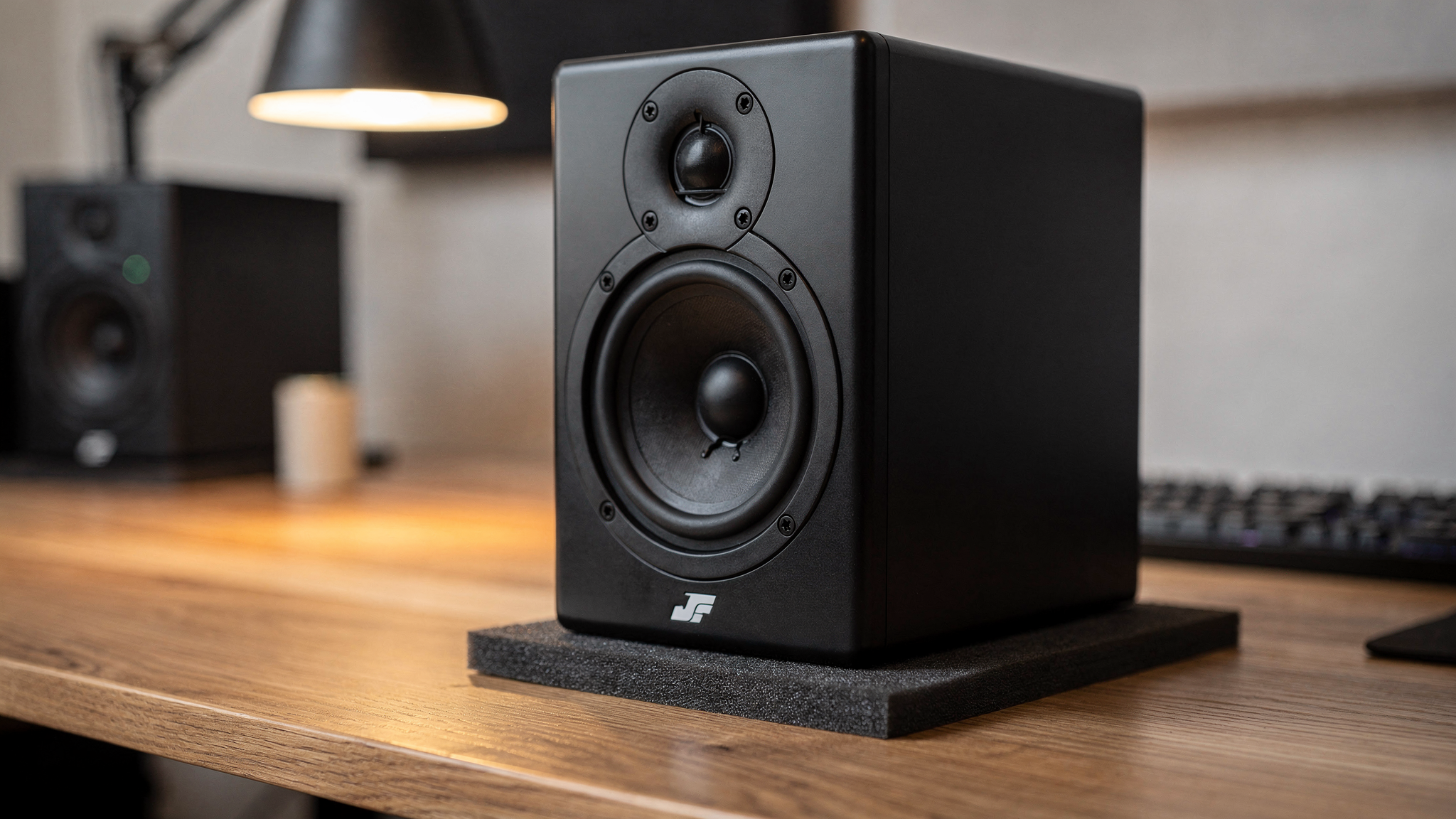
Even with the room addressed, placement mistakes null out a real chunk of what you paid for. Monitors placed directly against a wall lose low-end accuracy to boundary reinforcement; monitors sitting bare on a desk transmit vibration directly into the desk surface, smearing bass response into a muddy resonance the monitor itself never produced. An equilateral triangle between the two monitors and your ears, monitors decoupled from the desk with isolation pads or stands, and tweeters at ear height are all zero-cost or low-cost corrections that determine whether a new monitor's actual performance reaches you at all.
The math that matters
None of this is an argument against upgrading — a well-designed monitor is still a real, audible improvement over a poorly designed one, all else being equal. The point is that "all else being equal" almost never describes a home studio, and every uncontrolled variable above eats directly into the resolution a new monitor is supposed to deliver. Work through the checklist first. If your room still sounds compromised after fixing what's free to fix, the upgrade will actually show up. If it doesn't, you'll have just saved yourself from spending real money to hear the same room problems in higher fidelity.